


We’ve had a request from a large multinational, who would like to train their employees before the app is completed. Although being my favorite tool, Figma lacks some functionality that gives the user a fully immersive experience. For example, curating products, searching, filtering, and so many other useful functions that separate a high fidelity prototype from a live application. I would like to say that this process is probably not necessary for everyone to use, but only relevant to companies at higher stages of UX of Maturity (click here to review UX maturity stages).
So, our design team looked at some options to close this gap and be able to hand off something that feels even closer to the final product. One option was Bravo Studio (shown in the image below)
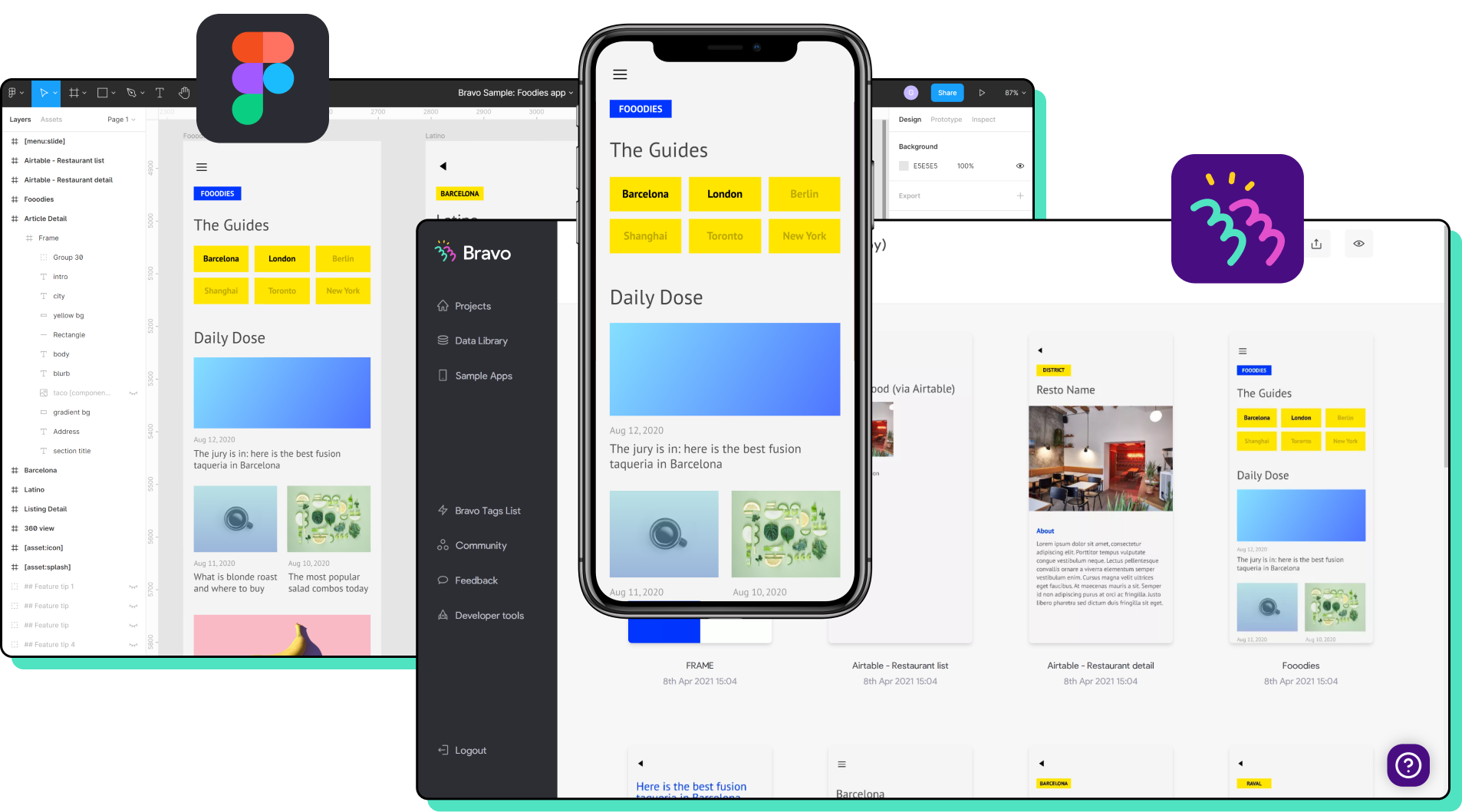
Bravo studio allows people to import from Figma, sketch, and XD. After a long labeling process and setting up a backend using AirTable, Firebase, or one of their other options, you actually have a functioning app without bothering the Dev team. This is really interesting as a concept and would definitely fit freelance designers or smaller agencies well. But for a mock app, we didn’t feel like the time involved in labeling and researching was worthwhile.
The second option was to create something similar in Webflow that was mobile-only, but we saw that this would be too much work and quickly disregarded it. I then proposed the idea of Origami studio. I saw the program in use in a Netflix show called the art of design. This followed the product team at Instagram, detailing their entire design process in the 2017 redesign of Instagram, I highly recommend the whole series for anyone with a love for art and design.
After some googling and youtube-ing, I learned with Origami you could use Data from an API, import from a photo library, access GPS info, integrate haptics and so much more! Before moving forward with this idea, I wanted to propose what could be done to the team. In multiple product teams in the past, we’ve tried new tools and shortly returned as something was lacking. I would like to state, I don’t believe origami will replace Figma in my workflow, in Figma I’m able to build screens rapidly, a similar feeling to sketching with a pencil. And there’s power in that.
I opened the application and the first feeling was that overwhelmed realization that occurs when you start from stage 0, Like opening cinema 4d or visual studio code for the first time. From an initial glance, the application functions completely differently from XD, Figma, and Sketch. Instead of having artboards all with single (or minimal) functionalities, our page is split between the Canvas and the ‘patch editor’. I can already tell this is going to take some getting used to.
So why bother? What is the point of this?
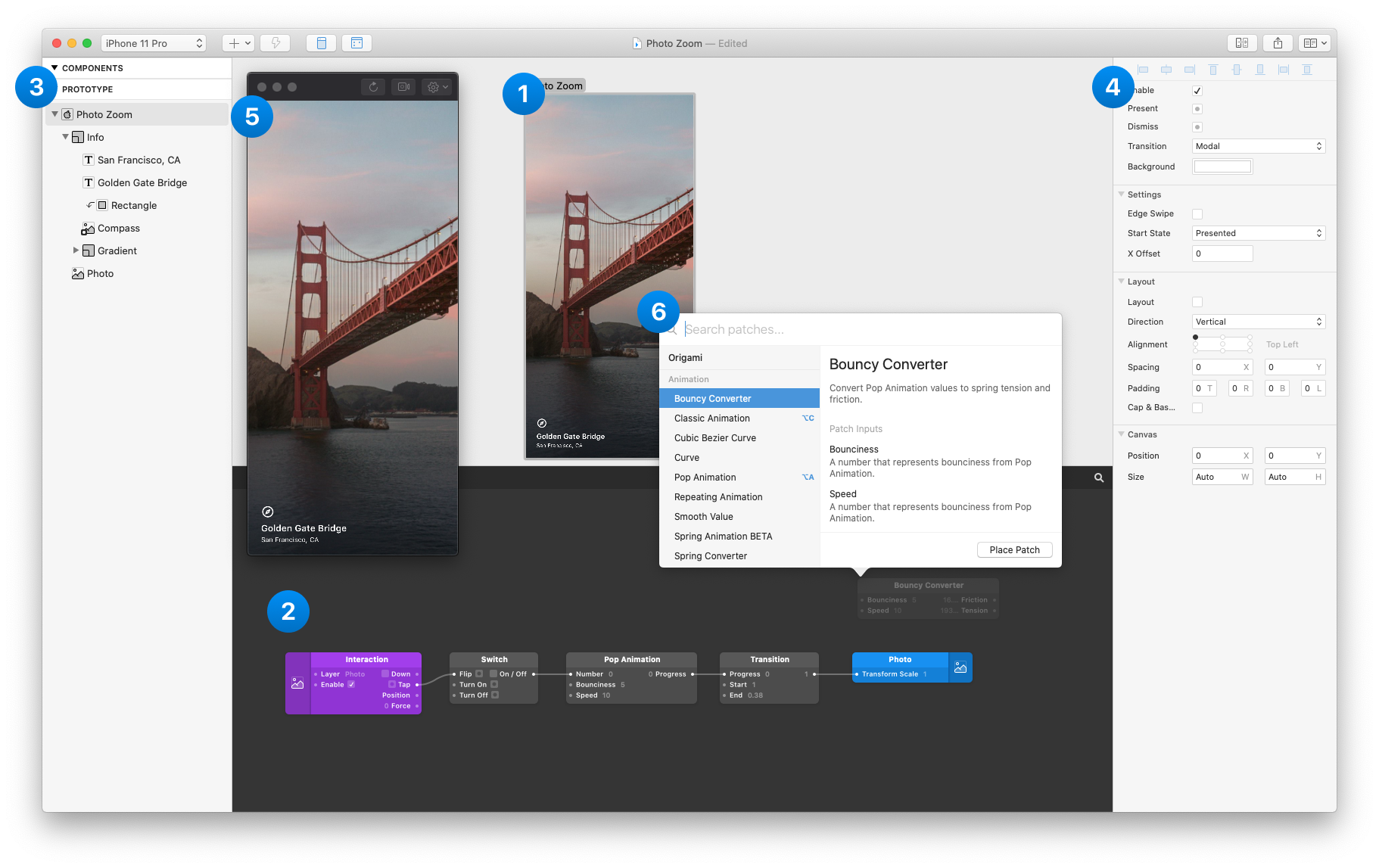
The great thing I see initially is that Origami Studio has a large number of phones available in the viewer. As you can see below. It is also possible to view the prototype without someone holding the phone, useful in presentations and workshops.


